Vhs To Dvd Converter Easycap Usb Audio Video Capture Recorder
Analog To Digital
USD $10.99
Condition : New
Free Shipping
{{variant_type_name}} :

Notify me when the price drops
We will email you if we find a lower price on this product!
With this item, You can connect the audio and video output of the TV, connect to the acquisition card, watch the TV program on the computer, and record the video files at the same time, save them in the computer, and watch at any time. It can also be recorded on the CD for a long time and will not be lost because of a computer failure.Memory lasts forever!
It takes ten minutes to start ,just Plug & Play!1. Connected the adapter.2. Installed the software that comes with it.3. Connected the VCR, opened the program.4. Selected the input video (VHS VCR USB)5.selected the input sound (same as the above)6.selected the destination folder7.selected ntsc high definition format.pressed the big red record button and pressed play on the VCR.
Feature:Small & Lightweight: Easy to Carry, 3.46in(L)*1.1in(W)*0.71in(H), 2.8oz, easy to take out for party or somewhere that need.Support Win 2000/ Win Vista/ Win 7/ Win 8/ Win 10/ XP and MAC system.Support for most formats: record in DVD+/-R/RW,DVD/-VR,and DVD-Video, web and mobile devices.Video Capture Device-Connect the analog signal video recorder with your PC/Laptop and Achieve the conversion to digital signal, Great for Digitizing Old Analog Video Tapes
You can make your family album and your own movies at easy.
It takes ten minutes to start ,just Plug & Play!1. Connected the adapter.2. Installed the software that comes with it.3. Connected the VCR, opened the program.4. Selected the input video (VHS VCR USB)5.selected the input sound (same as the above)6.selected the destination folder7.selected ntsc high definition format.pressed the big red record button and pressed play on the VCR.
Feature:Small & Lightweight: Easy to Carry, 3.46in(L)*1.1in(W)*0.71in(H), 2.8oz, easy to take out for party or somewhere that need.Support Win 2000/ Win Vista/ Win 7/ Win 8/ Win 10/ XP and MAC system.Support for most formats: record in DVD+/-R/RW,DVD/-VR,and DVD-Video, web and mobile devices.Video Capture Device-Connect the analog signal video recorder with your PC/Laptop and Achieve the conversion to digital signal, Great for Digitizing Old Analog Video Tapes
Product Instruction:
White Cable: for audio inRed Cable: for audio inYellow Cable: for CVBS inBlack Cable: for S-Video inSpecifications:
Chip Model: HW007(Support Win 10) (Other seller's is UTV007, that won't support win 10)Support NTSC/PAL video formatSupport high quality video resolution NTSC: 720x480@30fps, PAL: 720x576@25fpsSupport input Formats: record in DVD+/-R/RW, DVD+/-VR, and DVD-VideoVideo input: One RCA composite, One S-videoAudio input: Stereo audio(RCA)Support output Formats: DV, AVI, MPEG, WMV, VCD, DVDDimension: (L)90mm x (W)26mm x (H)15mm, portable and easy to store, plug &playInclude Professional Video Capture Software: Homestretch TVR 2.5Used it with Windows 10 home edition. Steps:
- First connected the adapter, (Windows installed some drivers automatically and then installed the software that comes with it.- Connected the VCR, opened the program- Opened settings- Selected the input video (VHS VCR USB)- Selected the input sound (same as the above)- Selected the destination folder- Selected NTSC high definition format- Pressed the big red record button and pressed play on the VCR.All of the above steps took approximately 10 minutes.Package included:
1 X USB VIDEO AUDIO CAPTURE ADAPTER VHS TO DVD HDD TV CARD1 X User Manual1 X CD Software1 X USB extension cable
Price type
IN STOCK
OUT STOCK


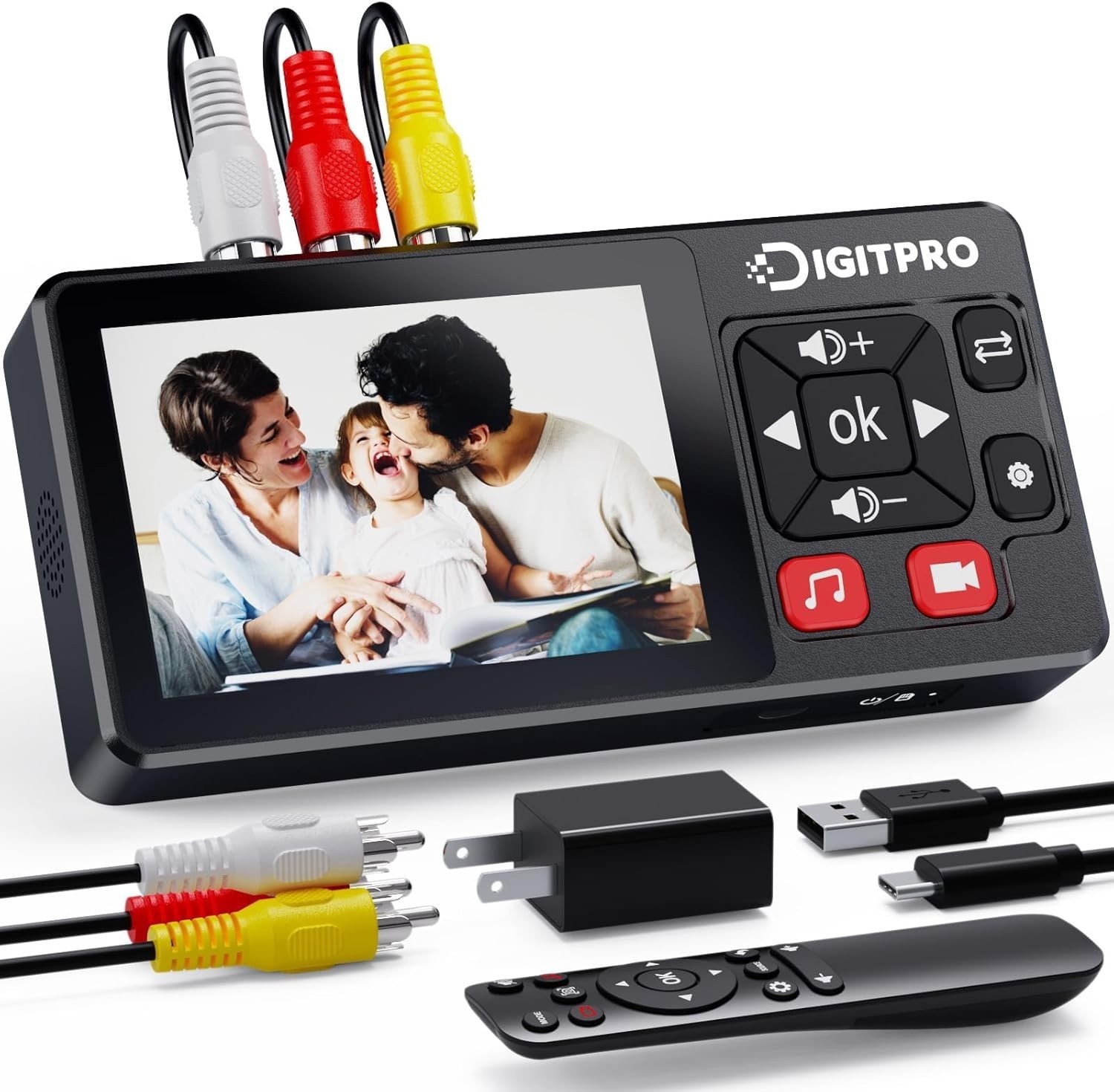
VHS to Digital Converter, 1080P Video to Digital Converter 2.0 Recorder, Remote…
By Unbranded

$119.99





 .
.
